
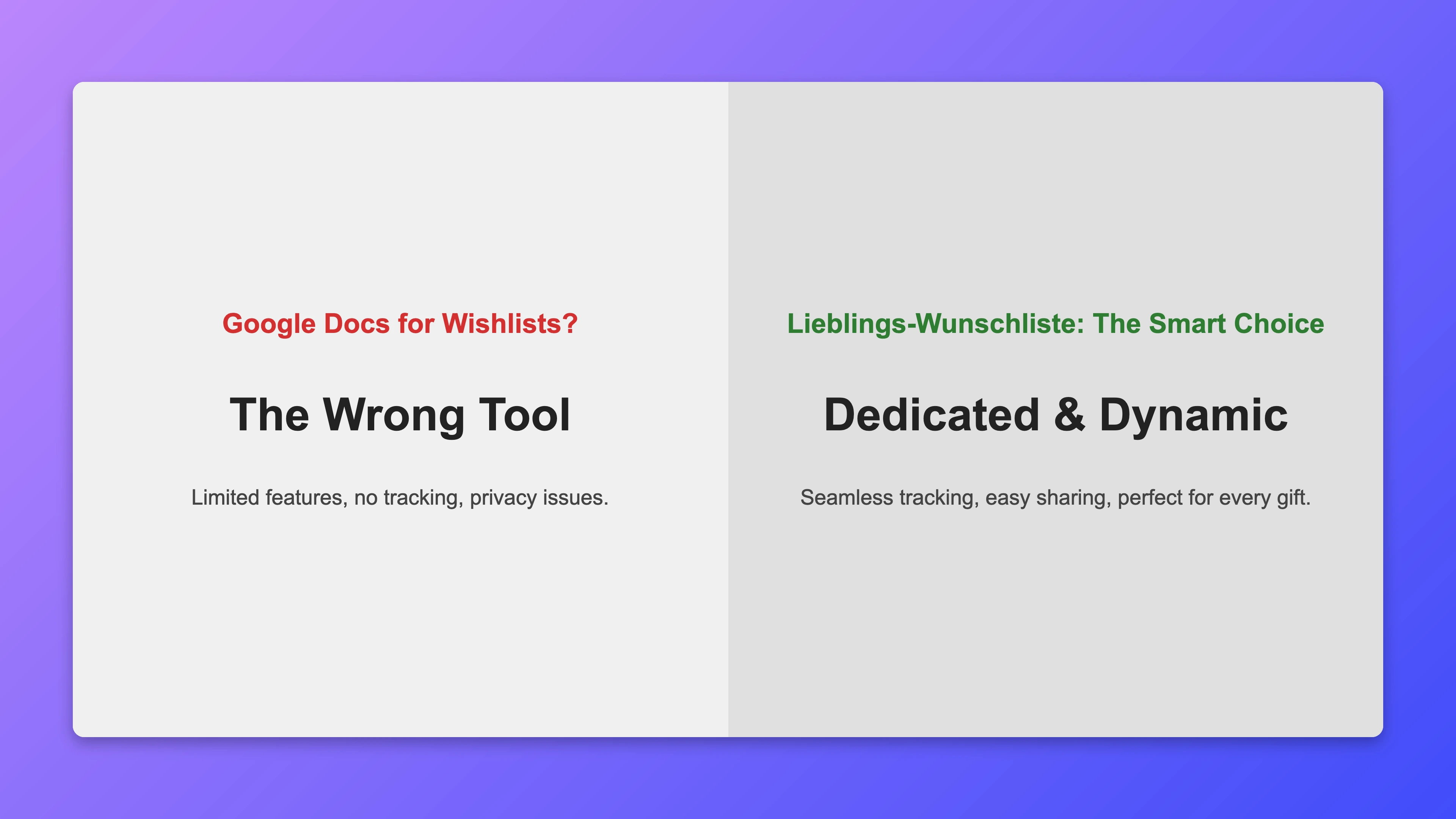
When someone needs a wishlist, they often reach for what they use every day: Google Docs, Google Sheets, or sometimes Excel. That is understandable – the tools are familiar, always available, and seemingly sufficient. But anyone who creates a wishlist in Google Docs quickly runs into the limitations. This article explains why a text editor cannot replace a wishlist – and what a real alternative actually offers.
What Works About a Google Docs Wishlist at First Glance
To be fair: Google Docs has genuine advantages as a quick note-taking tool.
- No new account needed (assuming a Google account already exists)
- Easy to share via link
- Everyone knows the format – no learning curve
For a private personal note list, that is enough. But a wishlist has different requirements.
Where Google Docs Fails for Wishlists
1. No fulfilment feature
This is the most important missing element. A wishlist should prevent multiple people from buying the same gift. Google Docs has no built-in feature for this. You could write names next to items, but that requires coordination via phone or messages – and the recipient can see everything.
A specialised wishlist like Lieblings-Wunschliste has this feature built in: givers mark wishes as fulfilled. All other givers can see it – the recipient cannot.
2. No protection from the recipient
In Google Docs, anyone with the link sees everything. When you share the wishlist with friends and family so givers can coordinate, the recipient might accidentally open it and immediately see who is planning what.
Lieblings-Wunschliste keeps the view and edit links strictly separate. The owner sees no fulfilment markings – the surprise stays intact.
3. No product images or direct links
Google Docs allows you to insert links, but not product images. Givers have to open the link, search, and decide for themselves – significantly more effort than a list that shows image, price, and direct link together.
4. Not optimised for mobile
Google Docs on a smartphone is usable, but not comfortable. Table view, clicking links, and editing entries are clunky on small screens. A specialised wishlist is built from the ground up for mobile use.
5. Privacy concerns
Google is an advertising company. Documents in Google Docs are analysed to sharpen user profiles. A wishlist reveals a lot: interests, purchasing power, preferences. This data should not flow into Google's advertising system.
Lieblings-Wunschliste stores all data encrypted on servers in Germany, uses no tracking, and shares no data with third parties. The project is fully open source on GitLab – verifiable by anyone.
6. No QR code, no easy sharing
Google Docs offers no QR code export. Anyone who wants to make their list available as a QR code on an invitation or party decoration needs a separate service. Lieblings-Wunschliste generates QR codes directly from the list.
7. No occasion design
A wishlist for Christmas, a child's birthday, or a wedding has an emotional context. Google Docs is a plain white document with no customisation options for such occasions. Lieblings-Wunschliste offers various themes and accent colours to give the list the right look.
What a Specialised Wishlist Offers
| Feature | Google Docs | Lieblings-Wunschliste |
|---|---|---|
| Fulfilment feature | ❌ | ✅ |
| Givers see fulfilments, owner does not | ❌ | ✅ |
| Product images | ❌ | ✅ |
| Direct shop links | Manual | ✅ |
| Mobile optimised | Limited | ✅ |
| QR code | ❌ | ✅ |
| Occasion themes | ❌ | ✅ |
| Privacy | Limited | ✅ |
| No Google account needed | Account required | ✅ |
| Free | ✅ | ✅ |
When Is Google Docs Still an Option?
Google Docs makes sense when:
- you need a purely private note list for yourself
- all parties involved already have Google accounts and coordinate closely
- you have only a few wishes and need no special features
For anything meant to be shared where givers need to coordinate, Google Docs is not suitable.
How Quickly Does a Real Platform Work?
A wishlist on Lieblings-Wunschliste is ready in under two minutes:
- Open the site, create a new list – no account, no form
- Add wishes via product link or manually with title and price
- Copy the sharing link and send it
The time investment is identical to creating a Google Doc – the feature set is significantly larger.
Conclusion: The Right Tool for the Right Job
Google Docs is an excellent word processor. For wishlists that are shared and where givers need to coordinate, it is the wrong tool. The missing fulfilment feature alone is a dealbreaker.
Create a real wishlist now – free, no account required, with everything Google Docs cannot do.